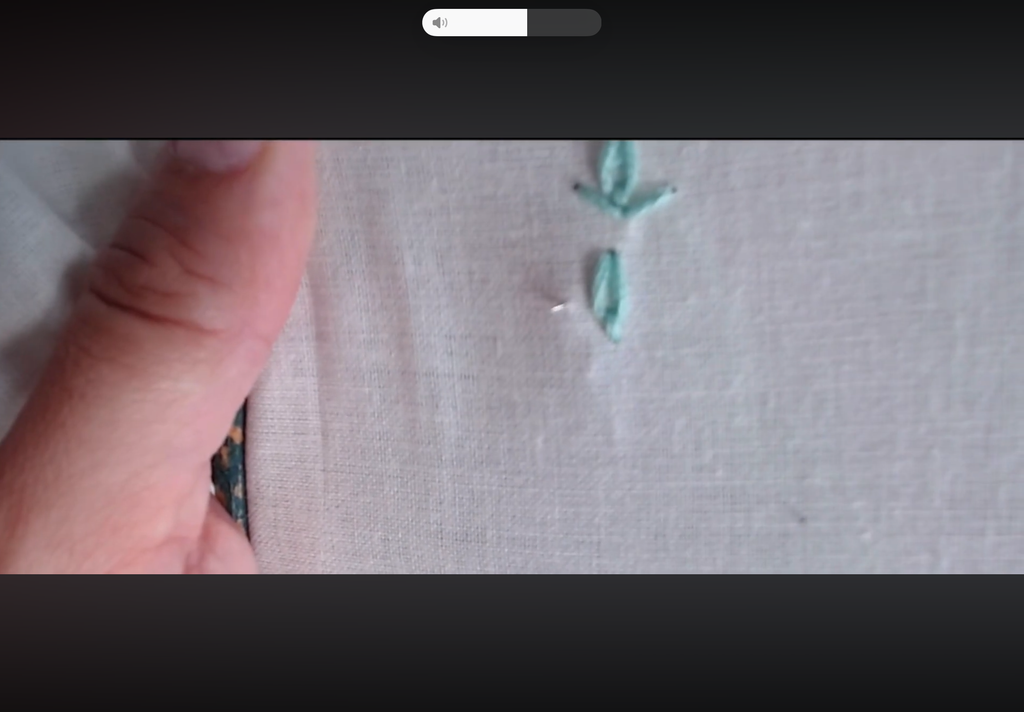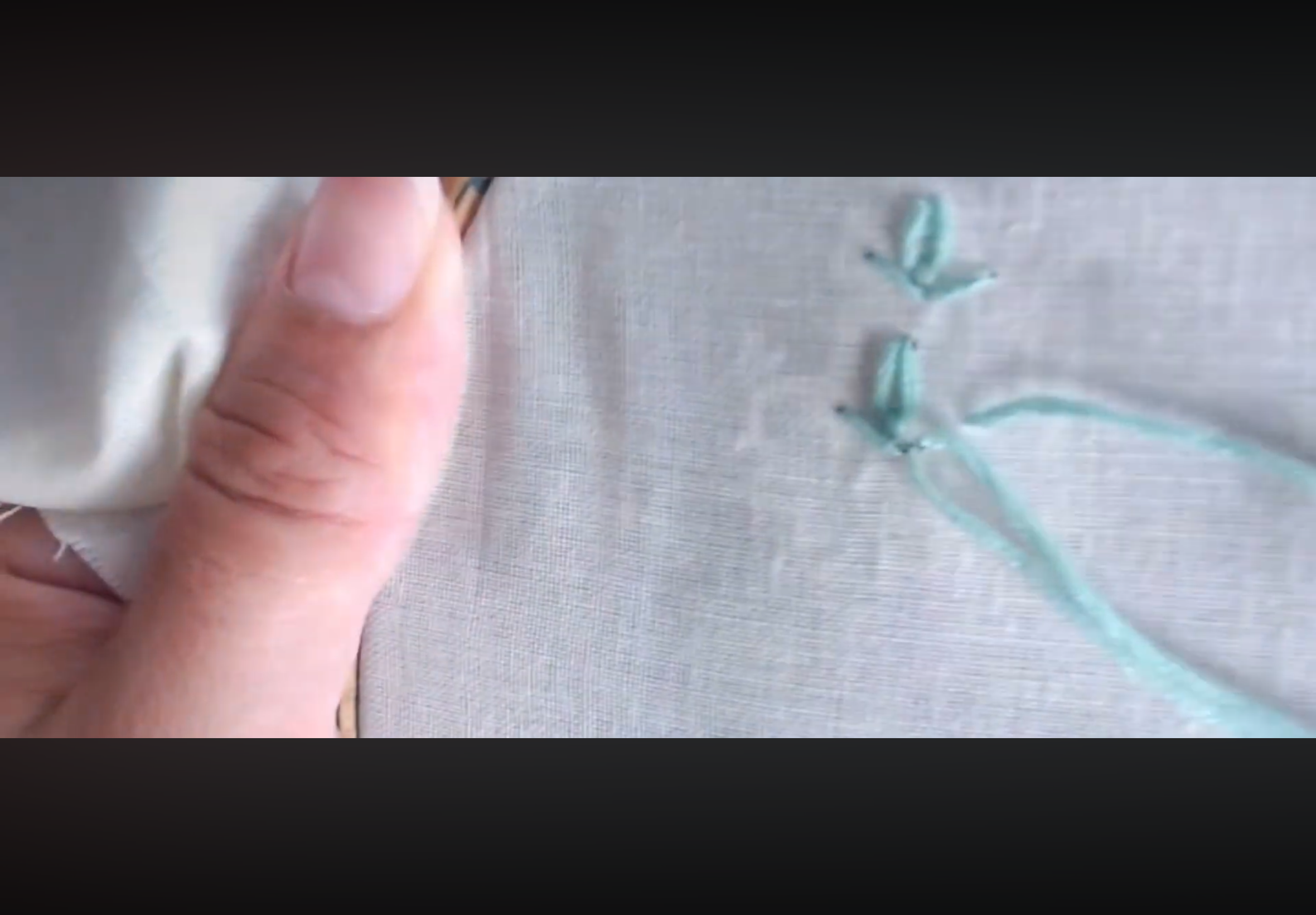
I discovered on Wednesday 14th that when you create videos you can flip it over in the mirror tab…. let me explain!
I shared a video that I created for my embroidery learners to learn Tete-de-beouf and Wheatear stitch, I stopped the video to say on the Tete-de-beouf you needed to start the small straight stitch on the right side of the middle of the lazy daisy stitch………….it sounds very complicated especially if you cannot visualise the stitch and two learners shared about mirroring which is flipping the video so the viewer can understand that you need to start with the straight stitch on the right hand side. The video shows that I start the straight stitch on the left hand side of the lazy daisy stitch, (it is and it is not a lazy daisy or daisy stitch) after flipping the video it will show that the straight stitch will show the right side, as the video is unlisted on Sewing with Samines YouTube channel it does not matter, but if I release it the public which I am planning on doing at some point I will need to edit the video and then go through the whole process of uploading to the YouTube channel.
I know I can use AI to help me, but with the advancement of AI, if I get AI to do the minor adjustments then the public will think it has been completed created AI. What a dilemma, plus do I want to use AI? Many people do not understand that AI needs a lot of water to cool the systems down and especially here in the UK and Europe we have had over 4 & ½ months of extreme heat and not much rain, the UK has lost its greenery in a lot of places and here in the UK we are under a hose pipe ban, so I am not sure I want to use the quick option of using AI. I will keep thinking about it and see how I go.